Bot
The "Bot" category, as the name suggests, is useful for obtaining general information about the bot. It allows users and administrators of a Discord server where iHorizon is present to get an overall view of the bot.
iHorizon offers several commands in this category to help you better understand the ecosystem and the universe behind it.
/andru
This command provides information about Andru, the "jack-of-all-trades," collaborator and developer of iHorizon.
/botinfo
This command provides global information about the current status of the bot.
Here is an overview:
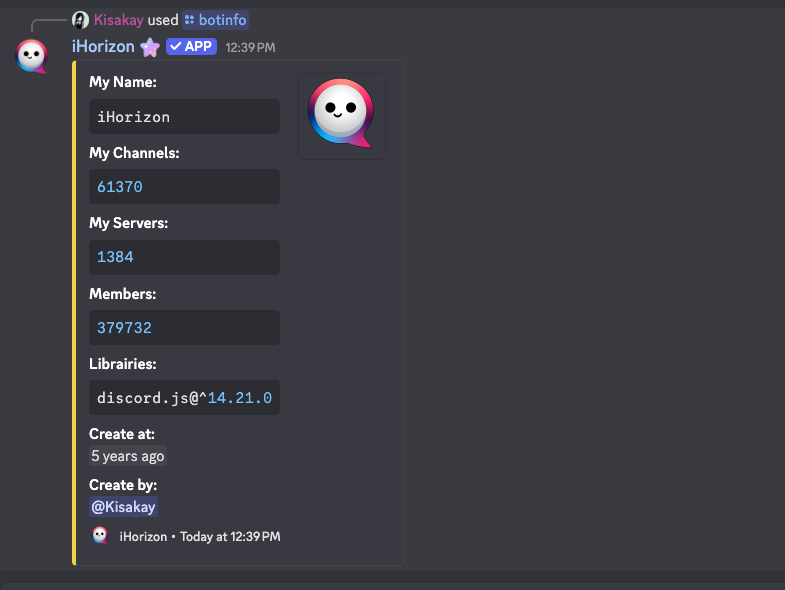
It provides general bot information such as the number of channels, servers, members, or the version of discord.js used.
The information is shard-specific
Discord has a 2,500 server limit per shard, meaning that from 2,500 servers onward, iHorizon will provide data for your server's shard only. Do not assume this data represents the entire bot.
To monitor iHorizon’s global information in real-time, visit the iHorizon website.
/ether
This command provides information about Ether, a contributor to the iHorizon project.
/help [command-name]
| Option | Type | Required | Choices |
|---|---|---|---|
command-name |
String | No | - |
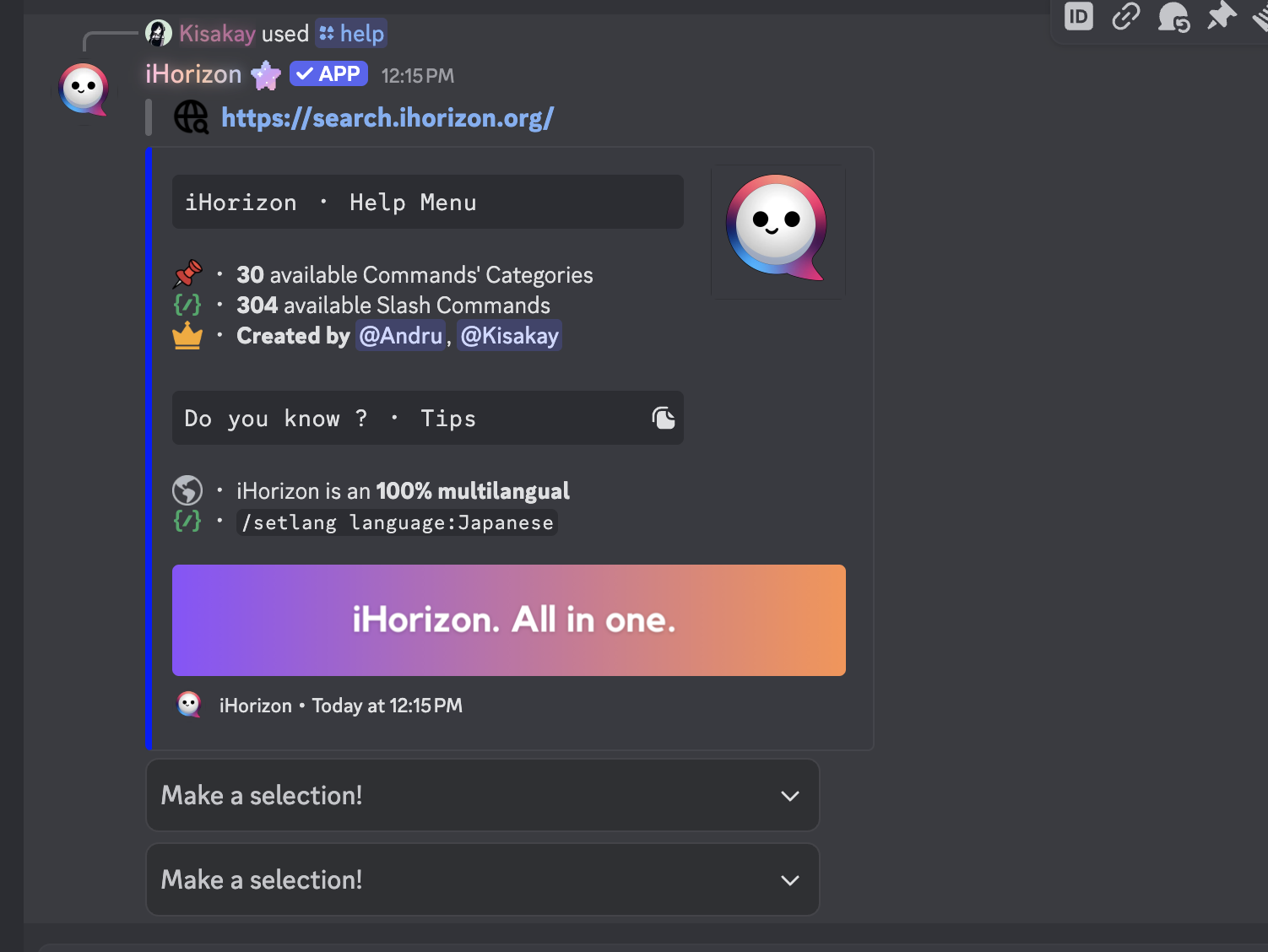
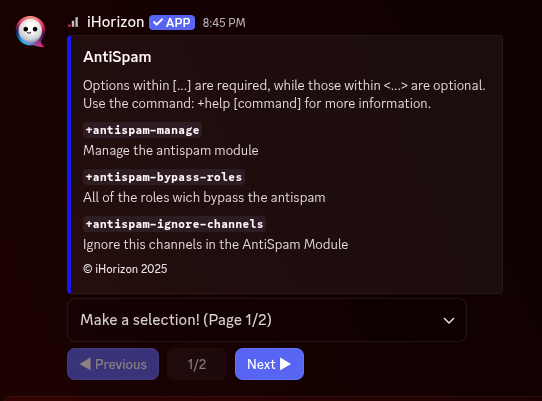
This command helps users by exploring the bot's content to provide a clearer view of what iHorizon can do.
-
Here is the homepage:
-
Here are the dropdown menus for the bot categories:
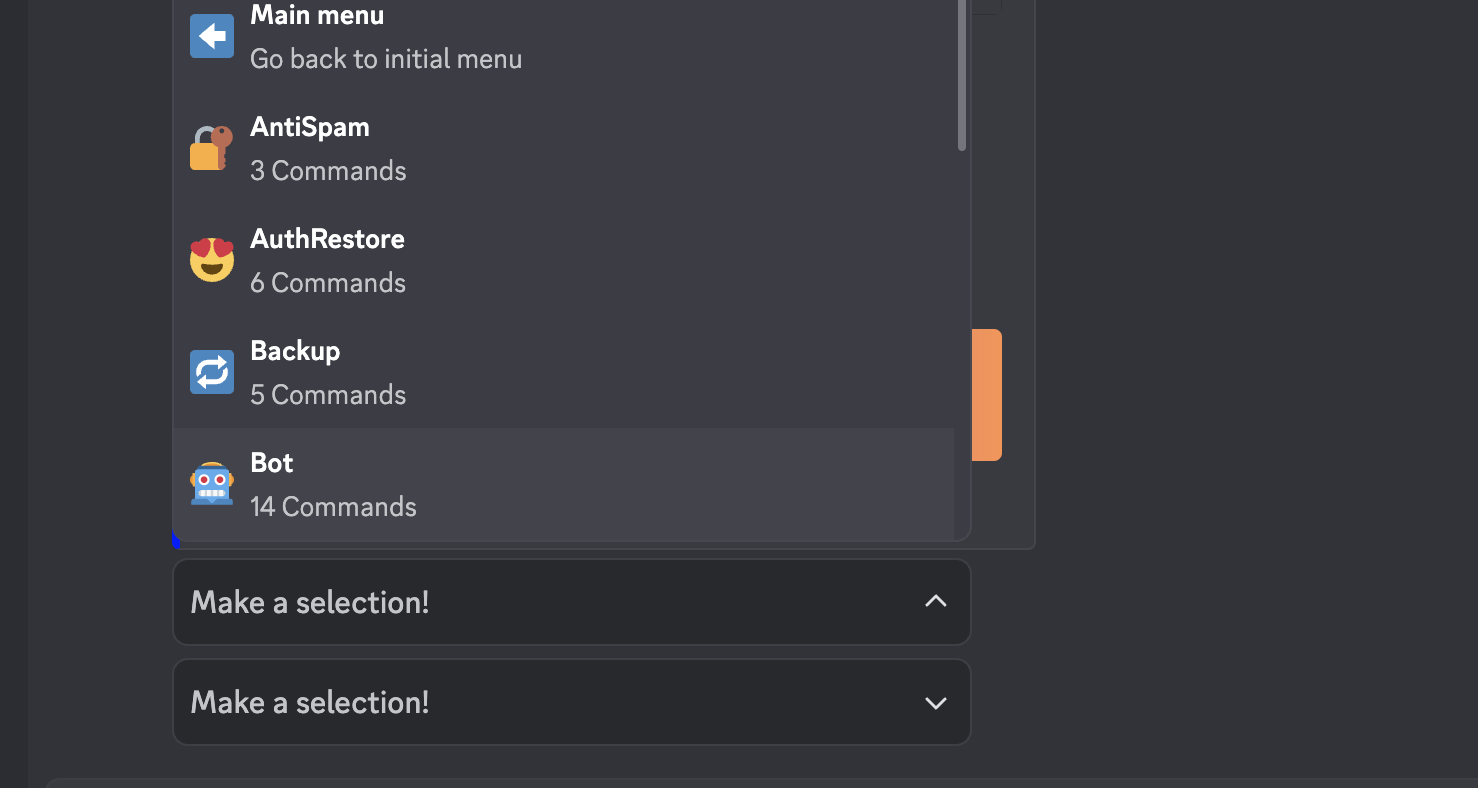
- Each dropdown provides access to one or more pages showing iHorizon’s content
-
Here is a page showing the bot's content:
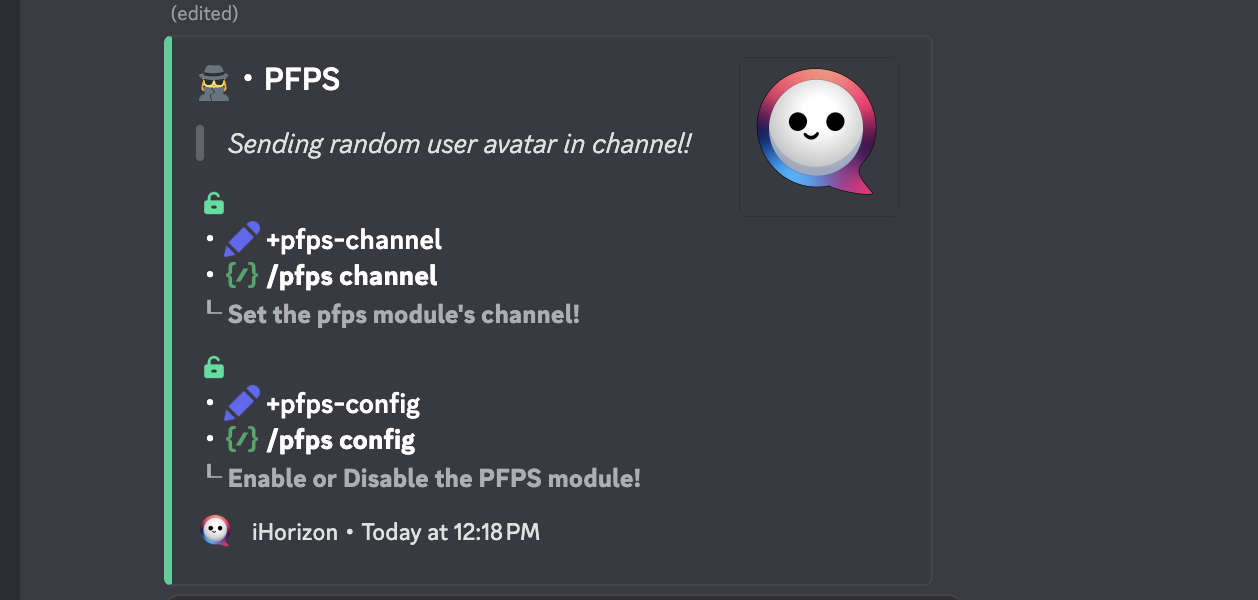
What does the green/red padlock mean?
A green padlock means the command can be executed by anyone on the Discord server (regardless of whether the command requires specific Discord permissions). A red padlock means the command has been restricted through iHorizon's own permission system: the number next to the padlock is the required permission level, and when the restriction targets specific roles or members, the padlock instead shows how many roles and members are allowed.
/invite
This command gives you the link to invite iHorizon to your own Discord server, along with other useful links to get started.
/iris
This command provides information about Iris, former developer and contributor to the iHorizon project.
/kisakay
This command provides information about Kisakay, creator and developer of the iHorizon project.
/links
This command displays various iHorizon-related links: its website and GitLab repository.
/noaimie
This command provides information about Noémie, creator, developer and Community Manager of the iHorizon project.
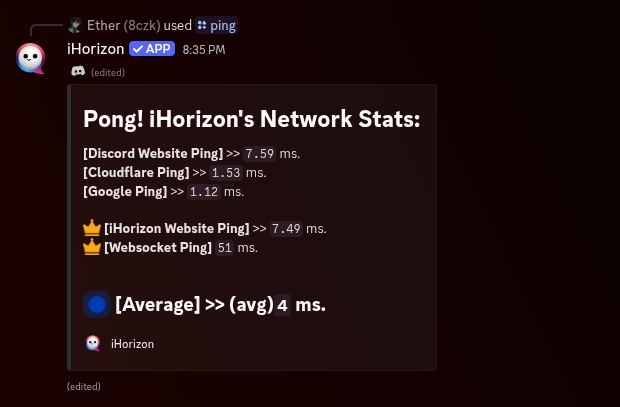
/ping
This command checks how fast iHorizon is responding, showing the bot's latency in milliseconds. A quick way to tell whether the bot is running smoothly or lagging.
/say <content>
Requires the Administrator permission
Only members with the Administrator permission can use this command.
| Option | Type | Required | Choices |
|---|---|---|---|
content |
String | Yes | - |
This command allows you to make the bot say anything. For security reasons, the name of the person executing the command will be displayed and visible to everyone.

+h (Prefix command only)
This command provides an alternative help menu to the /help command display.
/setlang <language>
Requires the Administrator permission
Only members with the Administrator permission can use this command.
| Option | Type | Required | Choices |
|---|---|---|---|
language |
String | Yes | Arab Egyptian, Deutsch, English, French, Italian, Japanese, Portuguese, Rude French, Russian, Spanish |
This command allows you to specify the language iHorizon should use. iHorizon is available in 10 languages: English, French, German, Russian, Arabic (Egyptian dialect), "Rude" French, Portuguese, Japanese, Spanish, and Italian. These languages can be selected with the <language> option when executing the command.
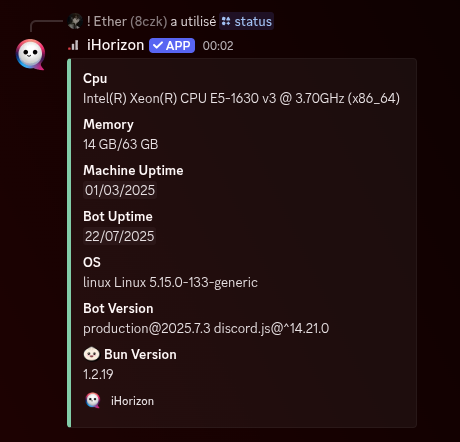
/status
This command shows iHorizon system statistics such as the CPU in use, total and used RAM, OS, bot version, bun version, and uptime of both the hosting machine and the bot.
+prefix <new-prefix> (Prefix command only)
Requires the Administrator permission
Only members with the Administrator permission can use this command.
Changes the prefix used for iHorizon's text commands, the prefix-command twin of /guildconfig bot prefix. By default, prefix commands are triggered by mentioning the bot (@iHorizon).