Context-Menu Commands
iHorizon also registers context menu commands, which live in the right-click menu: click on a message or a user, open Apps, and pick an iHorizon action. They are quick shortcuts for things you would otherwise do by copying content into a slash command.
There are two kinds:
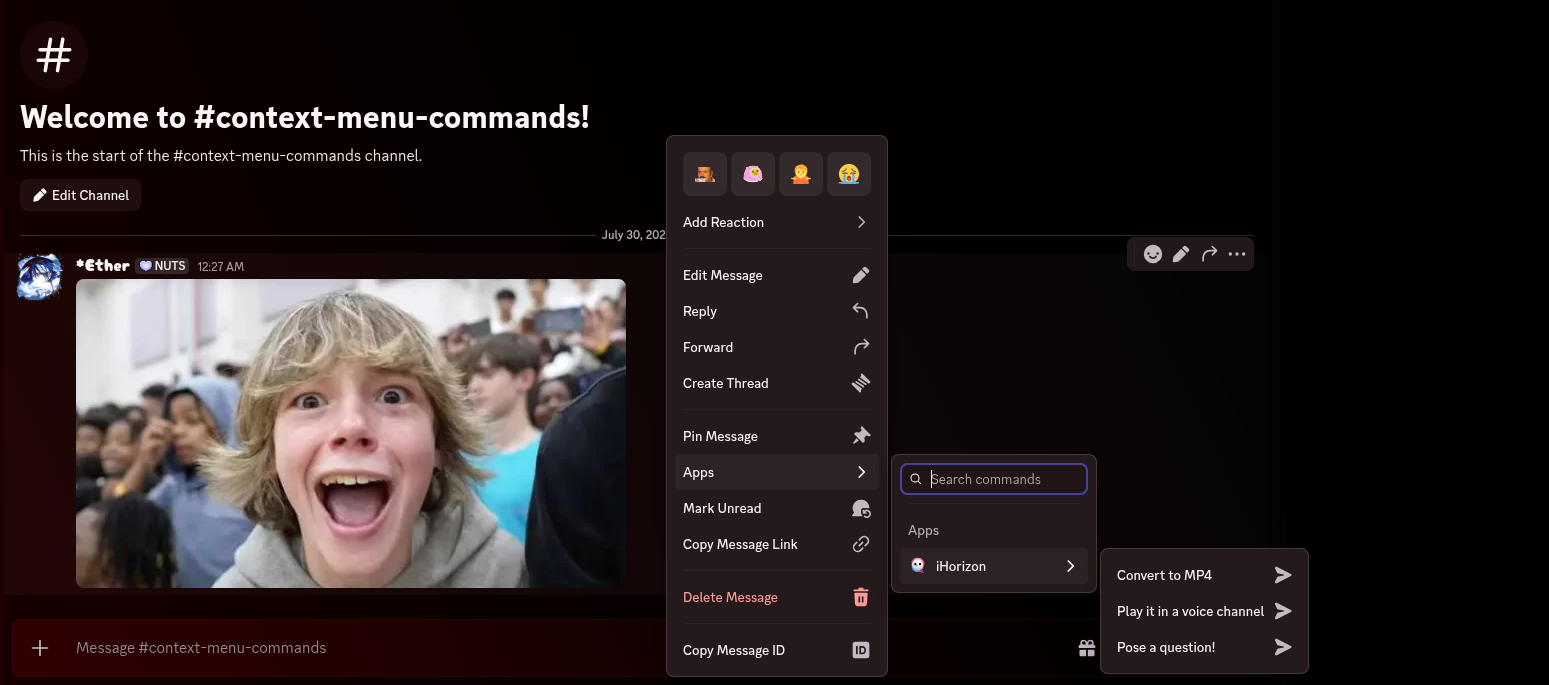
- Message commands: right-click (or long-press on mobile) any message → Apps → iHorizon.
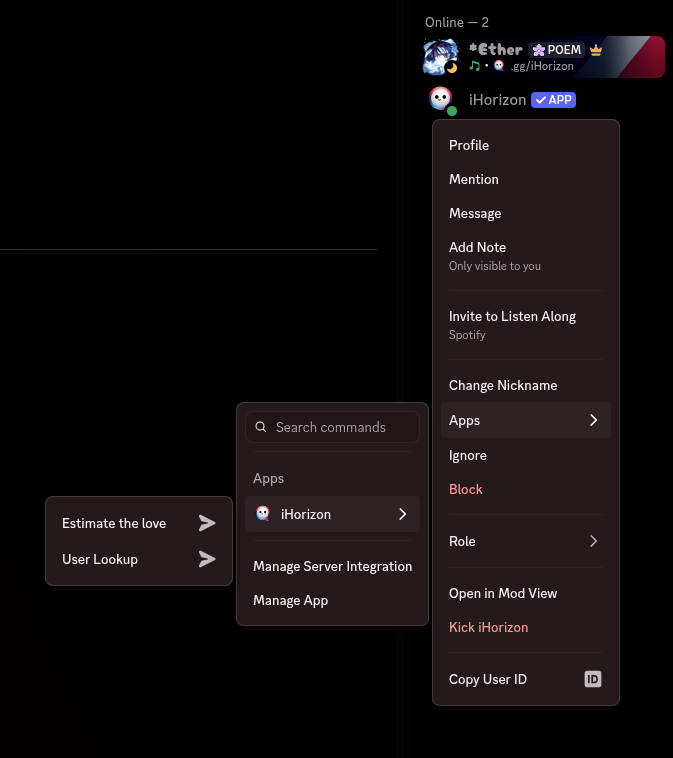
- User commands: right-click any user → Apps → iHorizon.
Message commands
Play it in a voice channel
Sends the message straight to the music player. If the message has audio attachments, iHorizon queues those files; otherwise it uses the message's text as a search query. Join a voice channel first, then right-click the message with the song you were sent.
Pose a question!
Runs the magic-8-ball of /fun interaction question on the selected message: iHorizon quotes the message as the question and replies with a random playful verdict. The message needs at least three words to count as a real question.
Convert to MP4
Takes the first attachment of the selected message (an audio file, typically a voice note or music file) and converts it into an MP4 video you can share where audio files aren't accepted. There is a cooldown of 1 minute 30 seconds per user between conversions.
User commands
User Lookup
Requires the Administrator permission
Only members with the Administrator permission can use this command.
Shows the same detailed profile card as /utils userinfo for the selected user: join date, roles, account age, and more, without typing anything.
Estimate the love
Measures the love compatibility between you and the selected user, the context-menu twin of /fun interaction love. iHorizon replies with a random percentage and a generated image combining both avatars.