Create a Token
Create a Token
Creating a token is essential to obtain the authentication key that allows you to connect your bot to the Discord API and thus run your self-hosted iHorizon.
In this guide, we will teach you from A to Z how to create your Discord bot token.
Go to the Discord Developer Portal
The Discord Developer Portal is a platform that allows developers to create and manage their own bots (officially called "Applications") to enhance the Discord experience. It also provides tools and resources for developers.
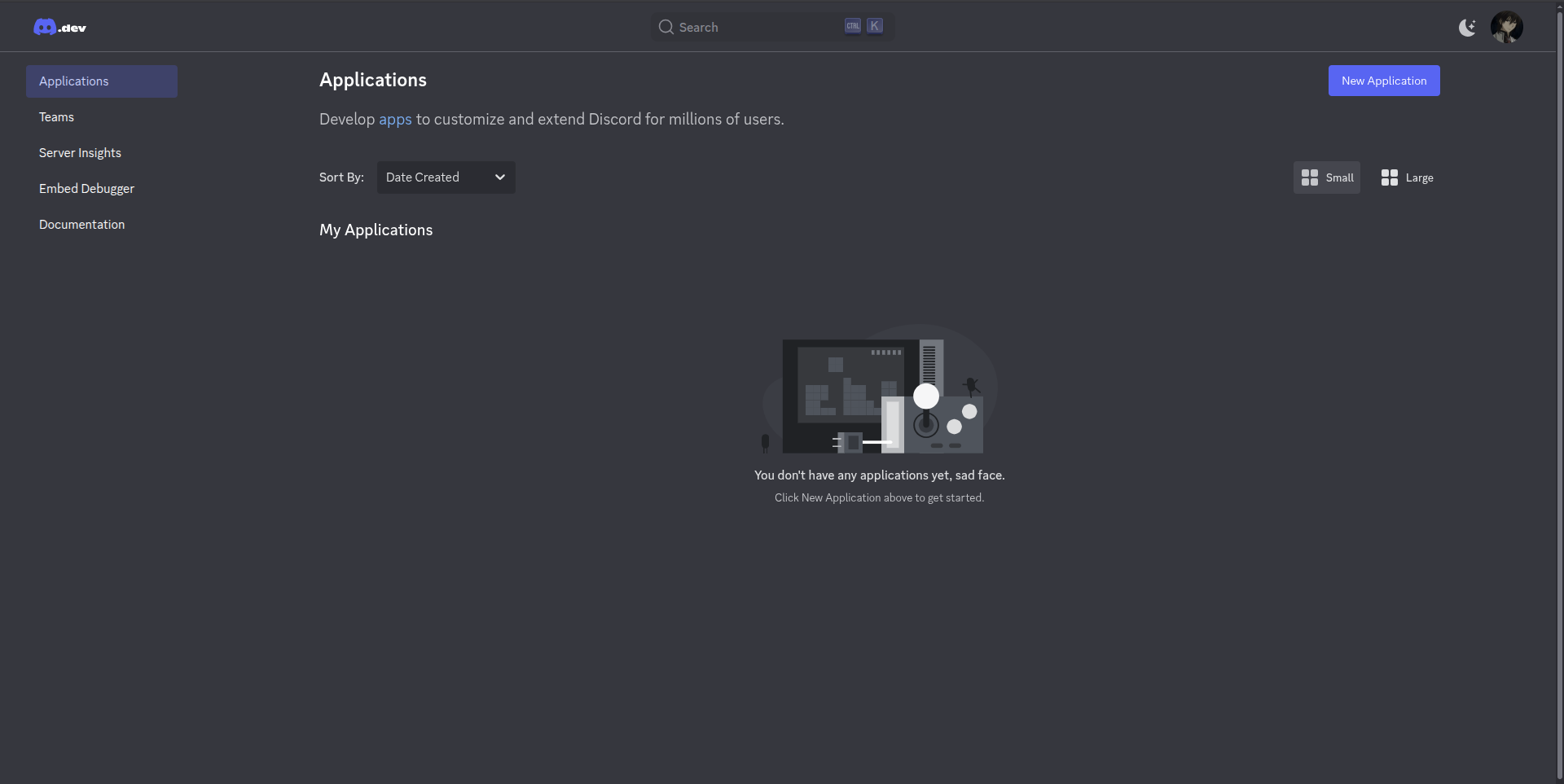
Log in to the Discord Developer Portal, and you will arrive at this page.
Create a Bot
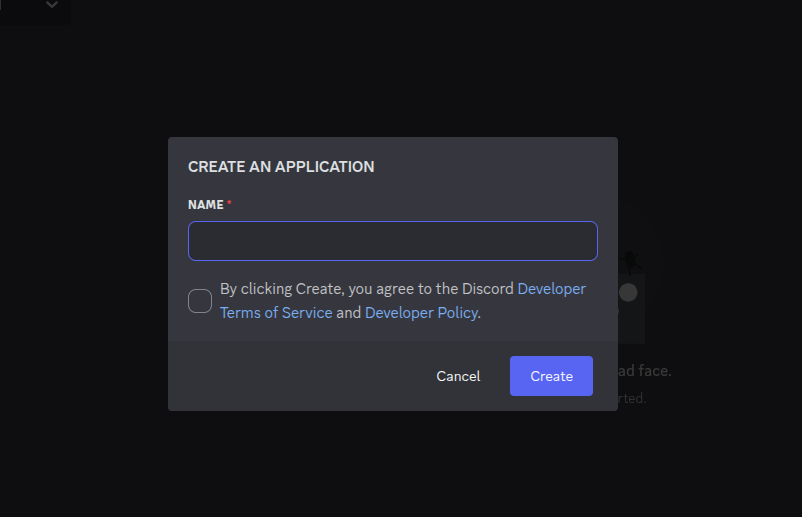
Now that you are in the Discord Developer Portal, you need to create a "bot," which is necessary to obtain its token. To do this, click on "New Application" and provide Discord with the name of your bot, and you should accept the Discord Developer Terms of Service.
Create Your Token
After creating the bot, you will be redirected to this page, which is roughly the management panel for your bot:
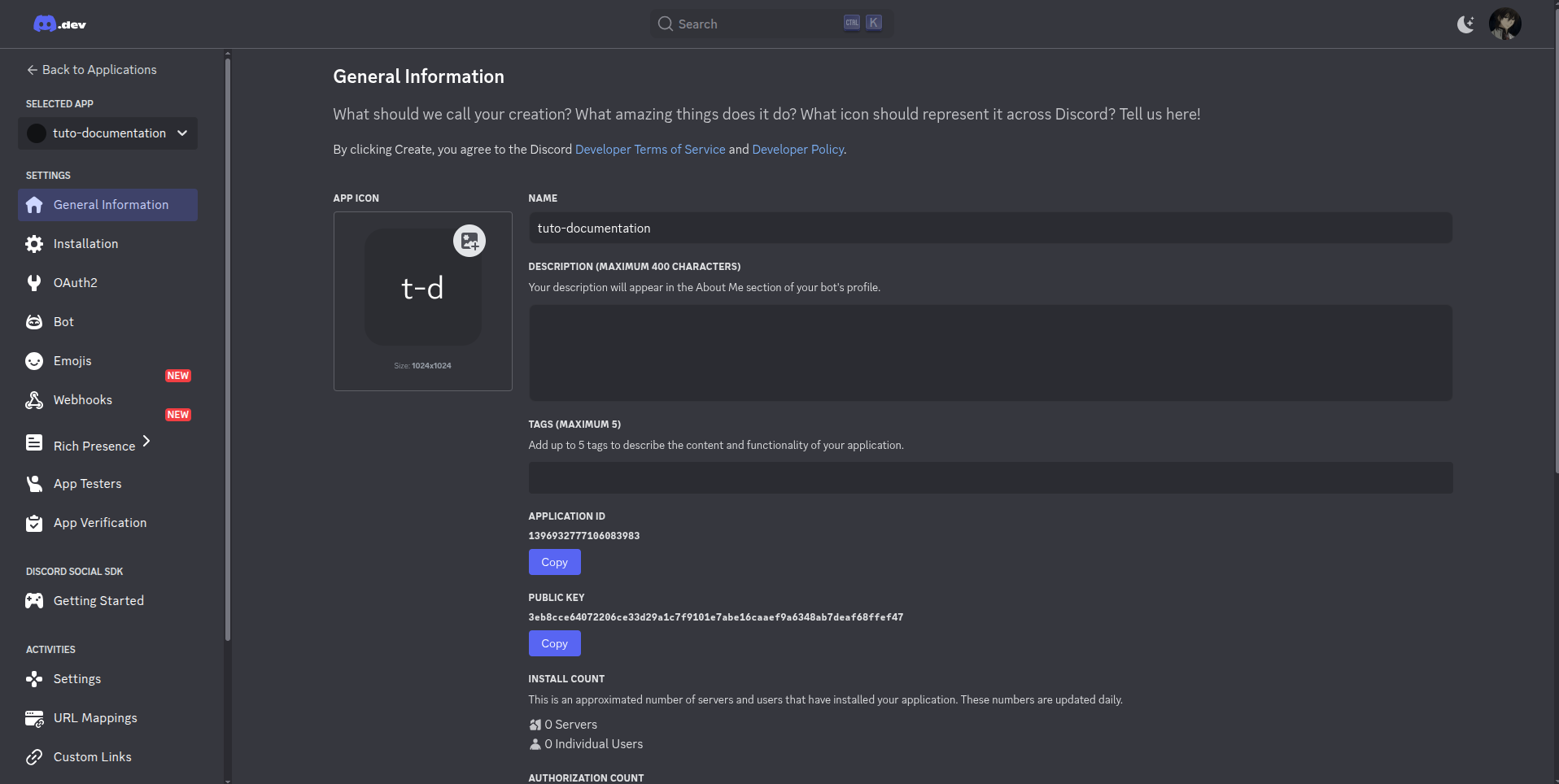
Navigate to the "Bot" tab, and you will see this:

Click on "Reset Token," and you're done! Your token will be displayed for you.
Your token can only be seen once
Your token can only be seen once. If you forget it, you will be obliged to regenerate your token. Therefore, please keep your token in a safe place to never forget it. We will discuss this in more detail on our dedicated documentation page.